
‹ All stories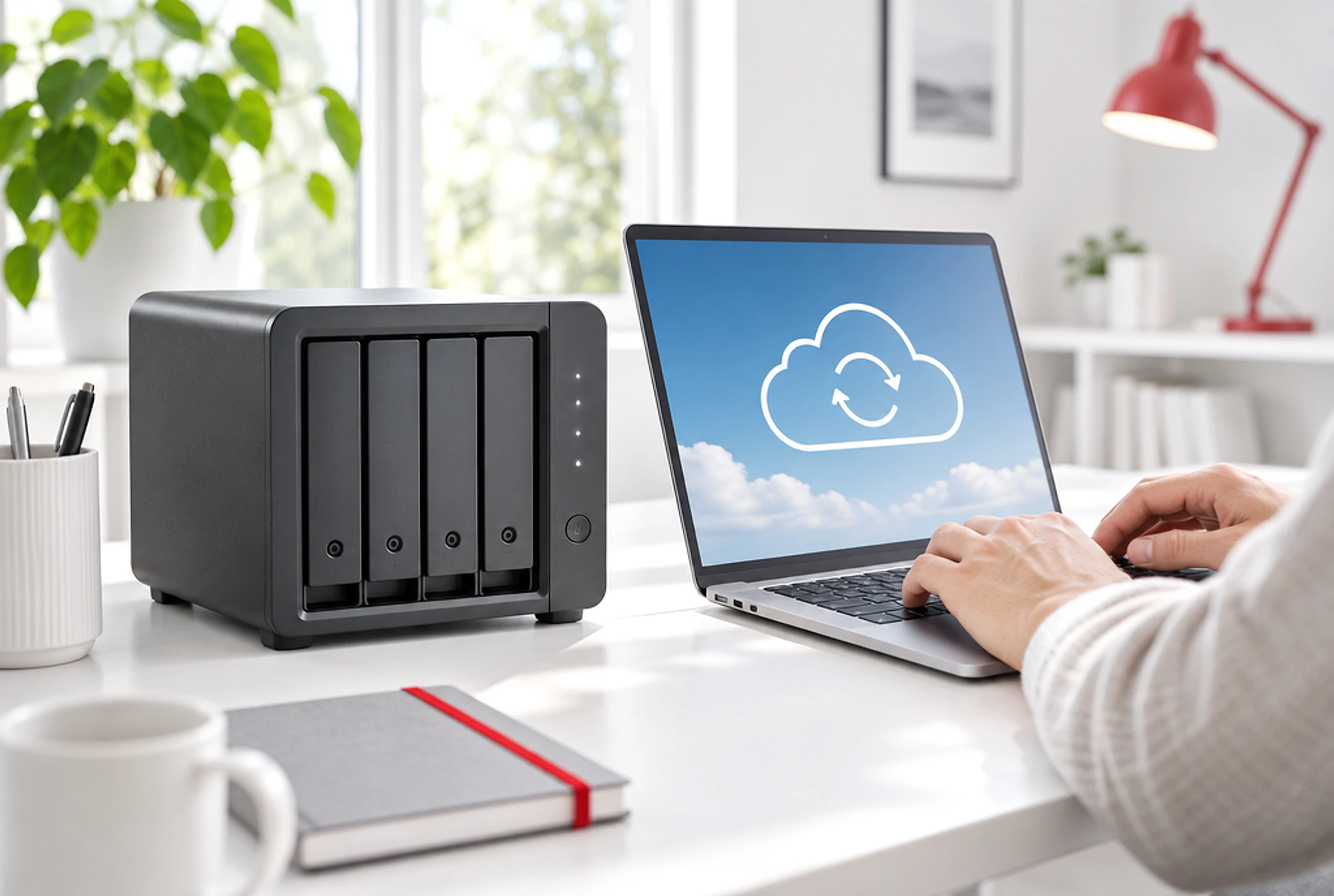
Storage
7 Jul 2026 · 3 min read
NAS or cloud storage? Choosing for your business
Local storage is fast and private; cloud storage is flexible and off-site. Most businesses do best with both.
By the SASA Technologies engineering team
Where your files live affects speed, cost, security and how easily people can work from anywhere. The choice is rarely one or the other.
When a NAS makes sense
- Large files such as design, video or engineering data that need fast local access.
- Predictable costs without monthly fees per user.
- A local backup target for servers and computers.
When the cloud makes sense
- Teams that work from different locations and devices.
- Easy sharing with clients and partners.
- No hardware to maintain on site.
Common mistakes to avoid
- Treating a NAS as a backup when it is the only copy of the data.
- Syncing everything to every laptop, filling disks and slowing machines.
- No permission structure, so everyone can see everything.
- Forgetting to plan for growth in storage needs.
A setup checklist
- Decide which data lives in the cloud and which on the NAS.
- Set up folders and permissions by team.
- Back up the NAS to the cloud or a second site.
- Monitor disk health and capacity.
Questions to ask
- How large are the files we work with every day?
- How many people need to access files from outside the office?
- How fast must we recover if a device fails?
The hybrid approach
Many businesses keep working files in the cloud and use a NAS for large data and local backups, with the NAS itself backed up off-site. This gives speed, flexibility and a copy you control.
We supply and set up Synology NAS systems and cloud storage, and design backup plans that combine both.