AV Solutions
14 Oct 2026 · 3 min read
Choosing the right video bar for every meeting room
Huddle rooms, medium rooms and boardrooms need different cameras and audio. Match the bar to the room and meetings simply work.
By the SASA Technologies engineering team
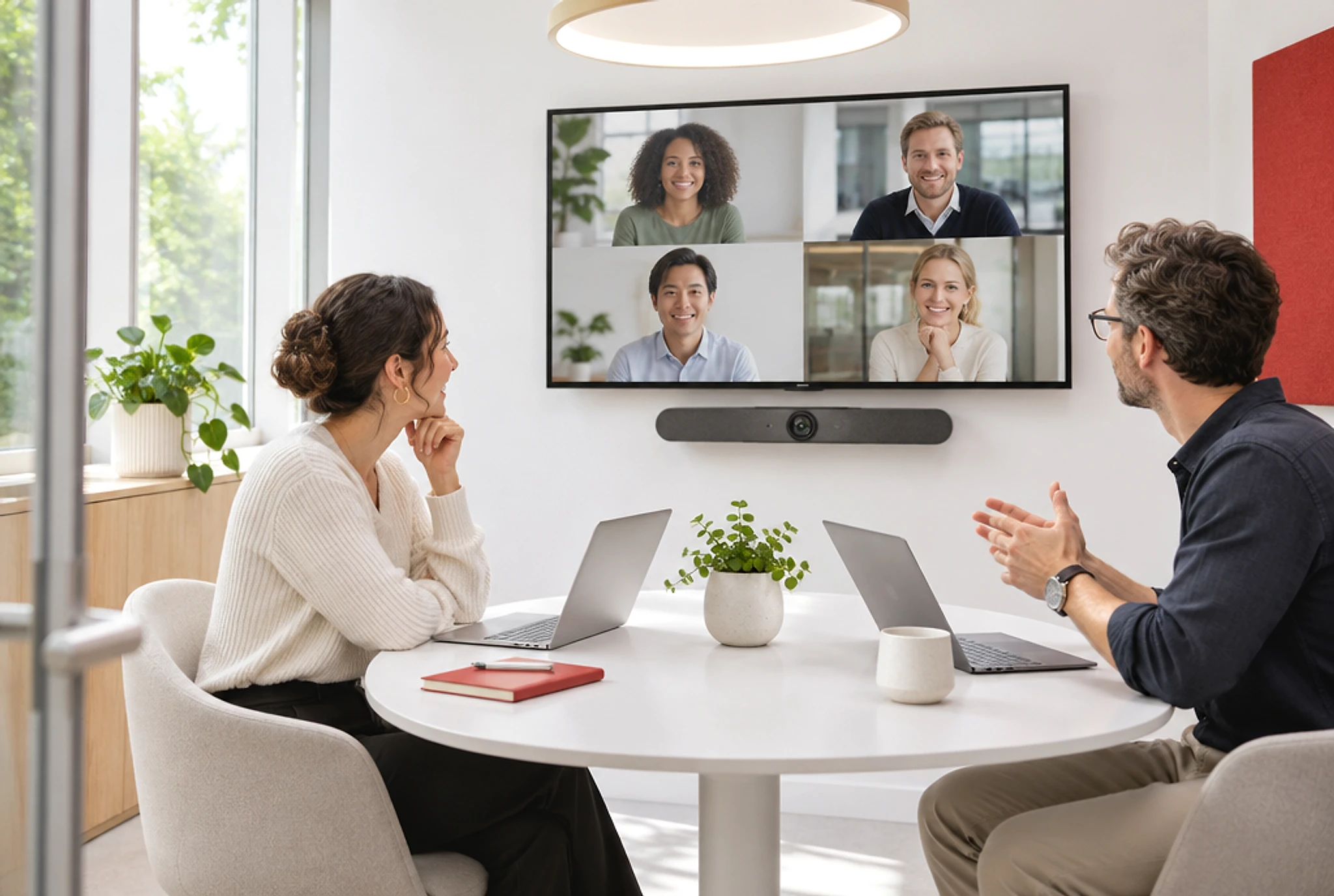
All-in-one video bars have made meeting rooms much simpler. One device on the wall handles the camera, microphones and speakers. The key is choosing the right one for each space.
Huddle rooms
Small rooms for two to four people need a wide-angle camera so everyone fits in the frame, and microphones tuned for close voices.
Medium rooms
Rooms for six to ten people benefit from cameras that frame speakers automatically and microphones with longer pickup range.
Boardrooms
Large rooms often need dual cameras, extra table or ceiling microphones and larger displays, so remote participants can see and hear everyone clearly.
Common mistakes to avoid
- Using the same small bar in every room, so large rooms sound distant.
- Mounting the bar too high or too low for the camera to frame people well.
- Forgetting the room controller, so people still fumble with laptops.
- No firmware management, so rooms drift out of date.
A sizing checklist
- Huddle rooms: wide-angle camera and short-range microphones.
- Medium rooms: auto-framing camera and longer-range microphones.
- Boardrooms: extra microphones, possibly dual cameras and larger displays.
- Every room: one-touch joining from a controller.
Questions to ask
- Which platform do we use most: Teams, Zoom or another?
- How many rooms of each size do we have?
- Who will manage updates and support the rooms?
Make it consistent
Using the same family of devices across rooms means people know what to expect everywhere. We design, install and support meeting rooms with Logitech and Yealink video bars.