‹ All stories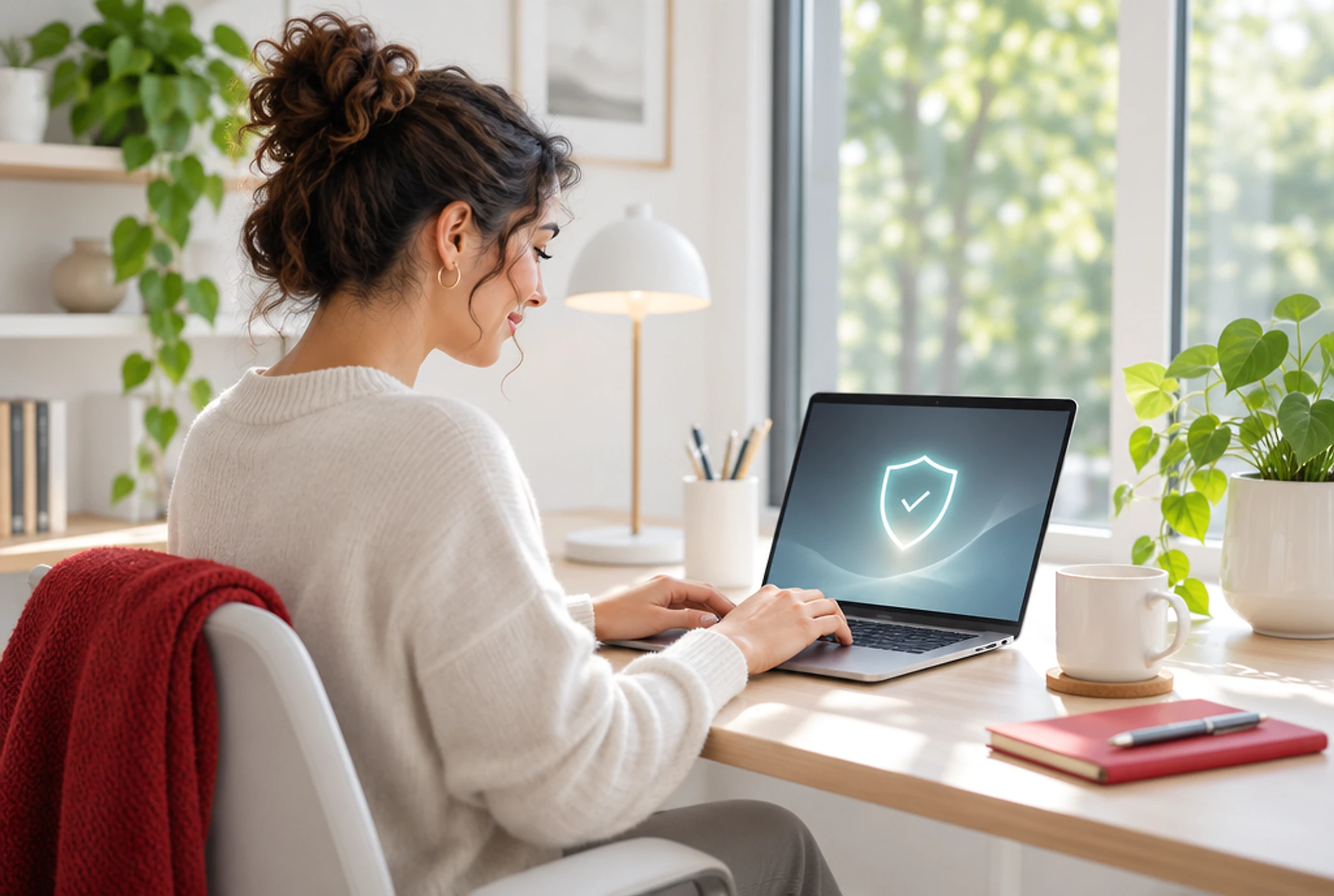
Cyber Security
9 Sep 2026 · 3 min read
Protecting laptops for hybrid teams
When people work from home, cafés and the office, the laptop becomes the front line. Here is how to keep it secure without slowing anyone down.
By the SASA Technologies engineering team
Hybrid work means company data travels everywhere. A lost laptop, an unpatched system or a weak home network can put the business at risk.
The essentials
- Endpoint protection that detects and stops threats, not just old-style antivirus.
- Full-disk encryption, so a lost laptop does not mean lost data.
- Automatic updates for the operating system and key apps.
- Multi-factor authentication for email and business apps.
Manage devices centrally
Device management tools let IT enforce settings, deploy apps and wipe a lost device remotely. New laptops can be set up automatically, ready for work out of the box.
Common mistakes to avoid
- Allowing personal laptops to access business data with no controls.
- Updates left to users, so machines run months behind.
- No encryption, so a lost bag becomes a data breach.
- No way to wipe a lost or stolen device remotely.
A protection checklist
- Endpoint protection with central monitoring.
- Full-disk encryption and automatic updates.
- Multi-factor authentication for email and business apps.
- Central device management with remote lock and wipe.
Questions to ask
- How quickly could we lock a lost laptop today?
- Where does important business data actually live?
- How do staff get help when working from home?
Support people where they are
Remote support means problems are fixed quickly wherever someone is working. We secure, manage and support laptops for hybrid teams across the UAE.