AV Solutions22 Apr 2024 · 3 min read
Designing meeting rooms people actually enjoy using
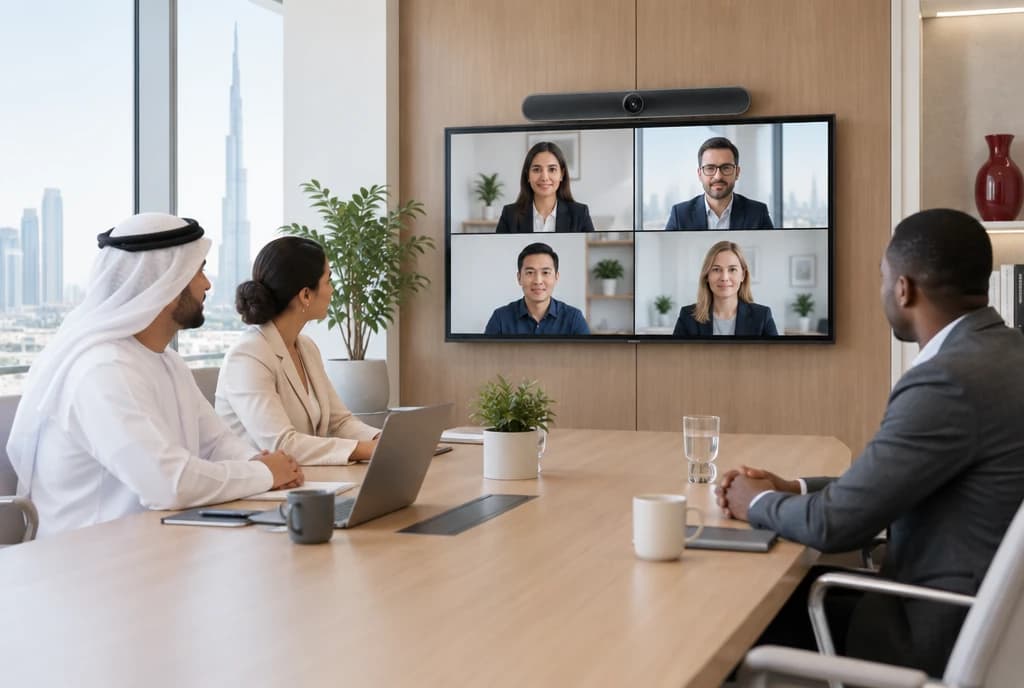
One-touch join, clear audio and a screen everyone can read: the small details that make hybrid meetings feel effortless.
The best meeting room is one nobody has to think about. You walk in, tap once, and the call starts with the right camera, clear audio and a screen everyone can read. When that happens every time, meetings start on schedule and hybrid colleagues feel like part of the room.
Getting there is less about buying the most expensive equipment and more about planning each room around how it is actually used.
Start with how the room is used
A two-person huddle space, a ten-seat meeting room and a boardroom have very different needs. Before choosing hardware, look at who uses each room, how often, and for what.
- Huddle rooms: quick calls and screen sharing, usually with a compact all-in-one video bar.
- Medium rooms: a mix of in-person and remote attendees, needing a wider camera view and microphones that cover the whole table.
- Boardrooms and training rooms: larger displays, ceiling or table microphones, and sometimes multiple cameras.
Audio matters most
People forgive a slightly soft picture, but not audio they cannot follow. Microphone coverage, speaker placement and room acoustics make the biggest difference to how a meeting feels for remote participants.
- Choose microphones sized for the room, so every seat is picked up clearly.
- Treat hard, echoey rooms with acoustic panels or soft furnishings.
- Test from the remote side: join a call from outside the room and listen.
One-touch join
Rooms certified for Microsoft Teams or Zoom can show today's meetings on a touch panel and join with a single tap. No cables to hunt for, no laptop to connect, no guessing which input to choose. Wireless content sharing lets guests present without installing anything.
Displays everyone can read
Screen size should match the distance to the furthest seat. A screen that is too small forces people to squint at shared documents; one that is too big overwhelms a small room. Mounting height and sight lines matter just as much as the screen itself.
Booking without double-booking
Room scheduling panels at the door show whether a room is free, who has booked it and when the next meeting starts. People can book an empty room on the spot, and rooms that are booked but unused can be released automatically.
Standardise across the office
When every room of the same size works the same way, people learn it once. Support calls drop, training is simpler and spare parts are interchangeable.
- Use the same platform and control panel in every room.
- Keep cable management tidy and labelled behind the display.
- Document each room's equipment for faster support.
How we help
We survey your spaces, recommend the right equipment for each room, install and configure everything, and train your team, so every meeting room just works from day one.